VS Code Extension
Ship Hardware
Faster With AI
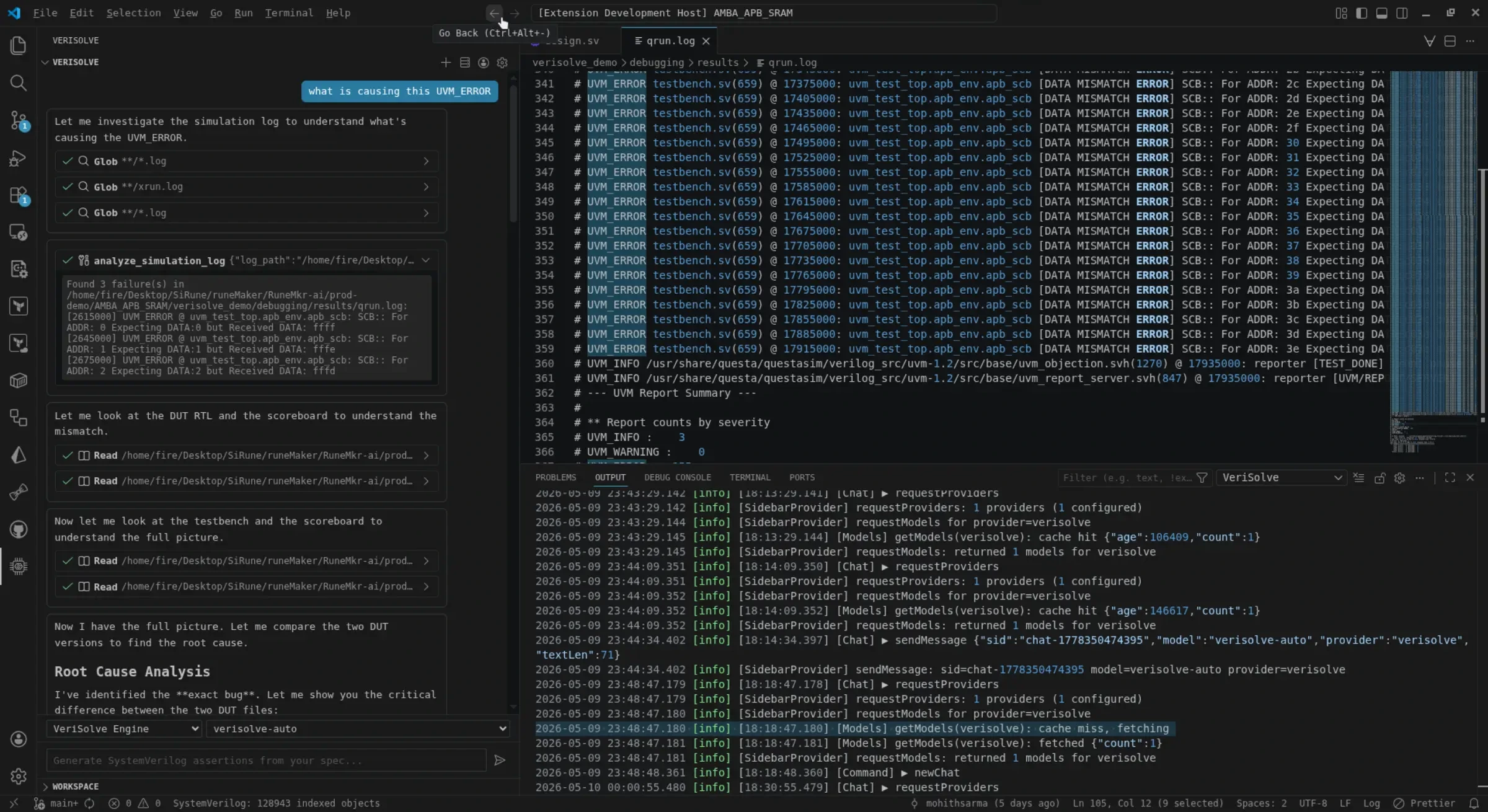
Drastically reduce Time-to-Root-Cause for complex hardware bugs. VeriSolve eliminates tedious verification tasks with AI-native VS Code workflows — precision generation, pinpoint error localization, and seamless IDE integration.
Capabilities
Built for hardware
verification engineers
Every feature is designed to eliminate the mechanical, tedious parts of verification so you can focus on what matters: finding and fixing bugs.
Precision
Syntax-perfect generation and pinpoint error localization. Every suggestion respects your codebase's conventions and the exacting standards of hardware verification.
Integration
Seamlessly lives within your existing VS Code environment. No context switching, no external tools — everything you need is right where you write code.
Efficiency
Drastically reduce manual script writing. Replace awk, grep, and perl one-liners with AI-native workflows that understand verification semantics.
Modernity
Moving the industry from legacy Gvim/Emacs workflows to AI-native remote environments. Secure, standalone, and high-performance architecture.
VS Code Setup
Get started in minutes
From zero to AI-powered verification in four simple steps. No complex configuration required.
Install VS Code
Download and install Visual Studio Code 1.85+ from code.visualstudio.com.
Install VeriSolve
Open the Extensions panel (Ctrl+Shift+X), search for VeriSolve, and click Install. Or download the .vsix for offline installation.
Connect Backend
Configure your remote VeriSolve backend endpoint in VS Code settings. Enterprise deployments can use on-premise backends.
Start Verifying
Open any SystemVerilog or VHDL file. VeriSolve will automatically detect context and offer AI-powered code generation, error localization, and log analysis.
$ code --install-extension sirune.verisolve
Or download the .vsix package for offline/air-gapped environments.
Documentation
Everything you need
to ship faster
Comprehensive guides and references to get the most out of VeriSolve.
Quick Start
Install the extension, connect to a backend, and run your first verification workflow in under 5 minutes.
Core Features
Deep-dive into AI-powered code generation, error localization, log analysis, and waveform navigation.
Configuration
Customize VeriSolve for your team's workflows. Settings, keybindings, and backend configuration.
Enterprise
Deploy VeriSolve in secure, air-gapped environments. On-premise backend setup and enterprise admin guides.
Can't find what you're looking for? Reach out to our team